How to re-install the computer system
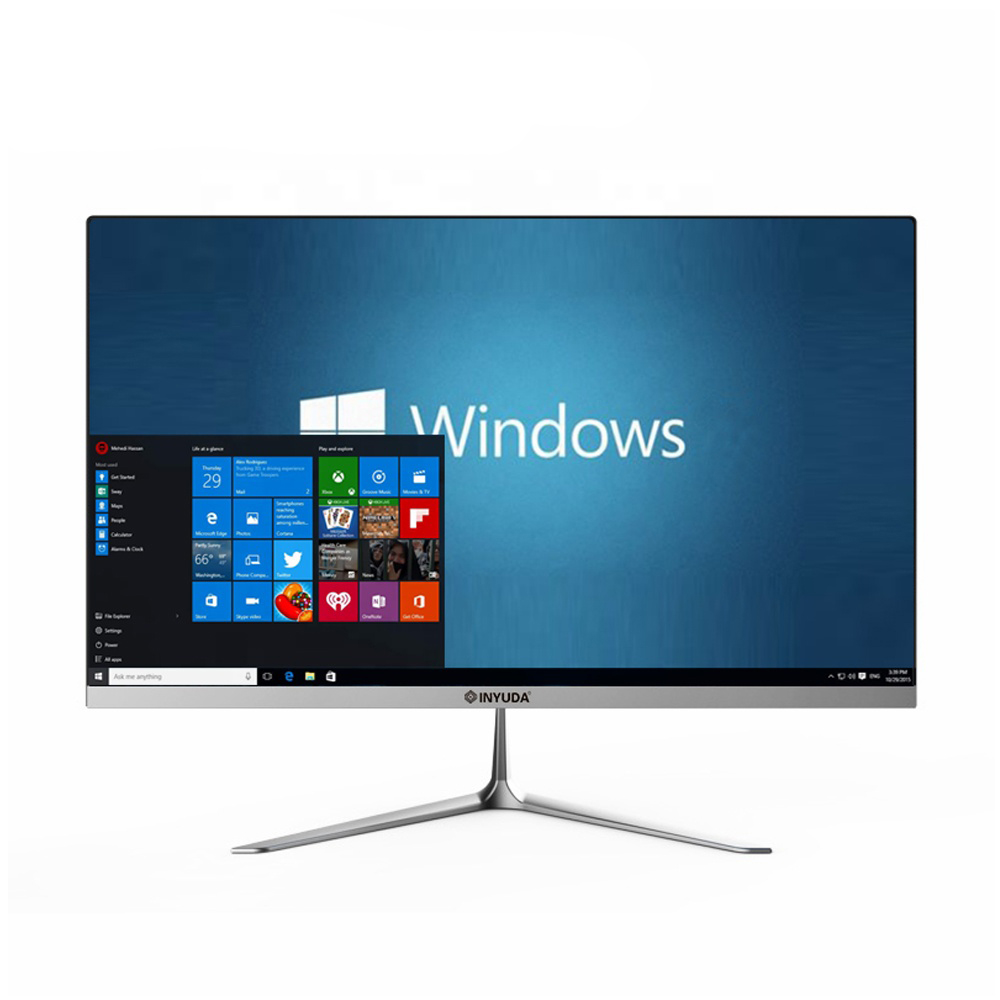
Please follow the below video to re-install your computer system if your system break down, and the desktop shows recovery at all times
First of all, you need have U disk which have system in or U disk with system in and connect it to the computer, below are steps in words:
- Keep pressing F11 after power on the computer to enter into Re-install menu
- Choose Languages you need, then press Install Now, waiting setup process
- Input Windows key if you have U disk with system in, or choose no key to proceed
- Choose the Windows version you need and press Next
- Click Accept for Microsoft Software License Terms and press Next
- Choose the type of installation, we choose the lower custom
- Keep only one drive here, delete other drive if there is, then click New and press Apply and Press OK
- Click the New Drive to put system here and click Next
- Wait the Installing process running
- Set what you need and wait the system running normal
- Enter user name and set password, remember the password
If you forgot the user name or passwrod, you can use the following method to reset the password:
- Power on while keep pressing F11 to enter into system setting
- Choose “Tasks to resolve”
- Choose “Advanced Choice”
- Choose “C:\”
- Input: net user Administrator 123456
then restart the computer, you can input 123456 as new password
We will continue to share video tutorial for the commen problems of the computers
Loading related insights...