How to set Auto-power-on in Bios
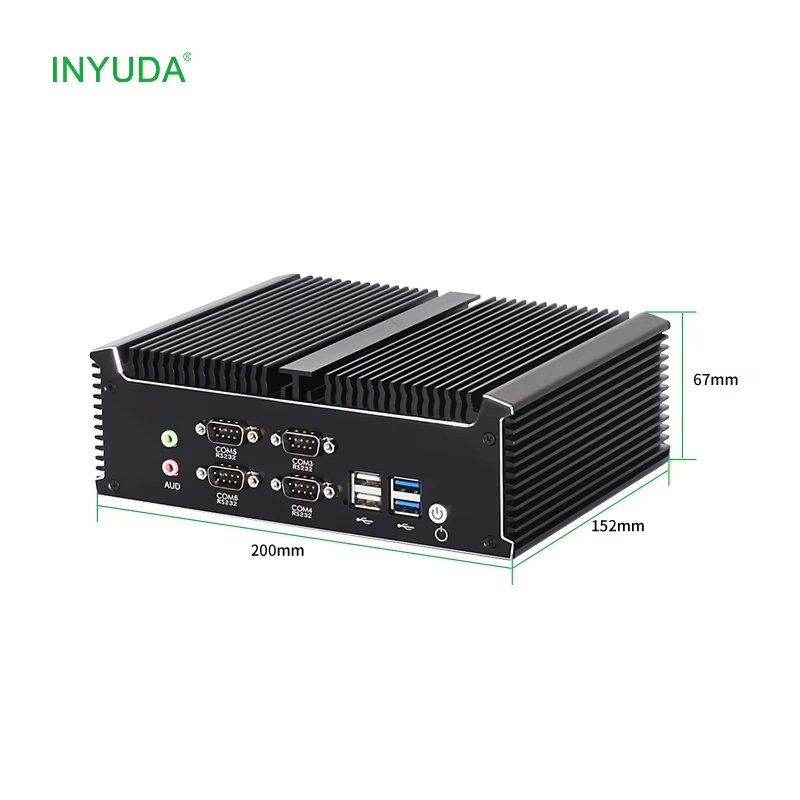
Tired of manual power-on after unexpected power outages disrupting your 24/7 unattended devices? 🛠
For industrial mini PCs, OPS thin clients & VDI terminals, auto power-on (AC power recovery) is a must-have feature for production lines, monitoring stations, digital signage & cloud desktop deployments.
Today we share a complete step-by-step BIOS setup tutorial for INYUDA industrial computers to enable automatic boot once power resumes.
✅ No manual button press after blackout
✅ Stable for long-running windows & industrial control tasks
✅ Simple BIOS configuration without hardware jumper modification
Check the above attached video for full operation guide:
Reboot & tap Del/F2 to enter BIOS
Locate PCH-IO Configuration → State After G3
Choose S0 State, Press F10 and Enter to save & exit
If you run windows systems, factory automation or edge computing projects, save this guide for your technical team!
Have you met power-off downtime issues with your industrial PCs? Drop your questions below, our technical team is ready to support.